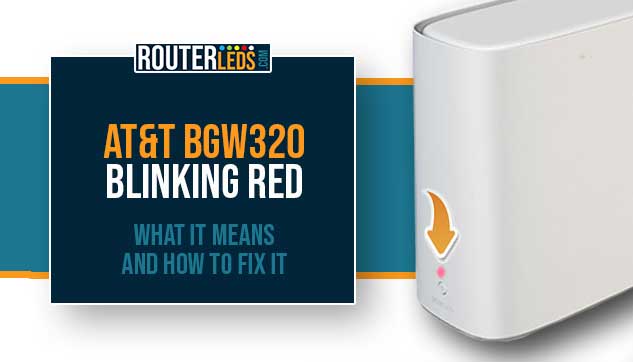
AT&T BGW320 Blinking Red: What It Means And How To Fix It
If you have noticed your AT&T BGW320 Wi-Fi gateway blinking red light, you are in the right place. This is ...
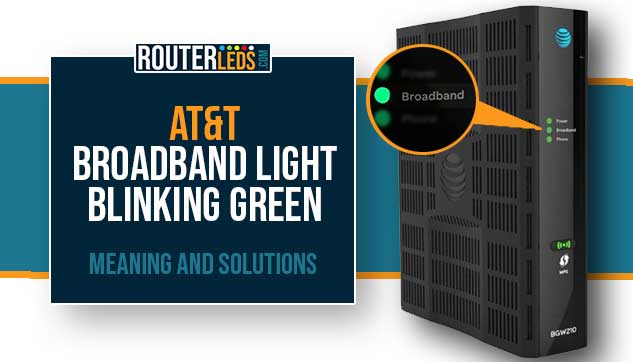
AT&T Broadband Light Blinking Green: Meaning And Solutions
Seeing the broadband light blinking green on your AT&T router is normal when the router is powering up or when ...
AT&T BGW320 Blinking White Light: Causes And Effective Fixes
Seeing the AT&T BGW320 blinking white is normal when you turn on or reset the router. However, it shouldn’t last ...

Fixing The AT&T BGW210 Broadband Light Red: DIY Solutions
Have you noticed your BGW210 broadband light flashing red? Well, while this can be concerning, it’s usually something you can ...
Verizon Router Keeps Disconnecting: Troubleshooting Guide
If your Verizon router keeps disconnecting you are in the right place. This can be particularly annoying, especially when you ...
BT Hub Keeps Disconnecting? Ultimate Fix Guide
If your BT Hub keeps disconnecting it is normal to feel frustrated, especially if you want to watch a movie ...
Linksys Velop Weak Signal: How To Improve It?
If you are experiencing Linksys Velop weak signal issues, the first thing to do would be to understand what is ...
Linksys Velop Keeps Disconnecting: What To Do?
Is your Linksys Velop disconnecting frequently? Although the Linksys Velop disconnection issues can be frustrating, the good thing is that ...
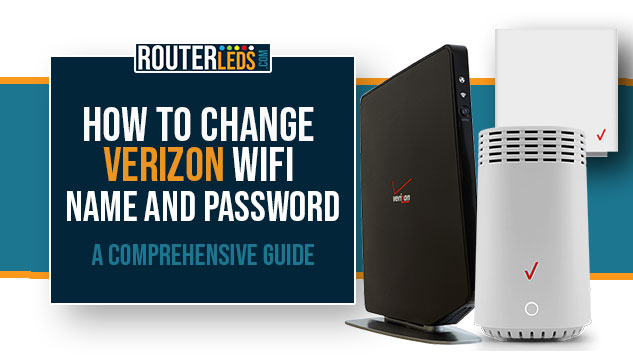
How To Change Verizon WiFi Name And Password: A Comprehensive Guide
Today, it is really important to have your home or business network secured from cyber threats and unauthorized access. One ...
Cox WiFi Not Showing Up? Let’s Fix That!
Is your Cox WiFi not showing up on your devices? This is one of the issues Cox users complain about ...
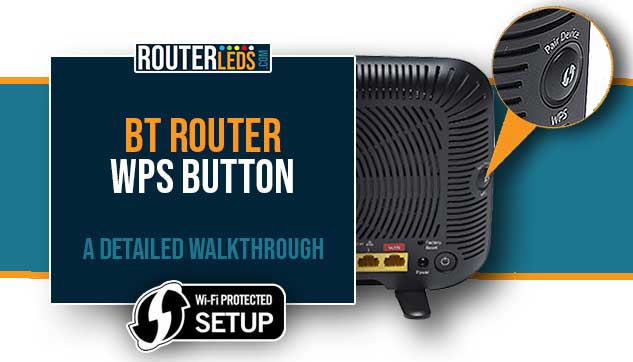
BT Router WPS Button: A Detailed Walkthrough
If you are a BT router user, you have probably noticed a button labeled ‘Pair Device WPS’ or ‘Wireless WPS‘ ...
BT Hub Flashing Red: Tested Quick Fixes
Dealing with connectivity issues today can be pretty annoying and stressful, especially if you need to have a working internet ...